> ## Documentation Index
> Fetch the complete documentation index at: https://help.memoryplugin.com/llms.txt
> Use this file to discover all available pages before exploring further.
# Integration Options
> Choose the best way to integrate MemoryPlugin with your AI tools
export const ArticleInfo = ({author, lastUpdated}) => {
const authorAvatar = author === 'Alara' ? '/images/author-alara.jpg' : author === 'asad' ? '/images/author-alara.jpg' : null;
const formatDate = dateInput => {
if (!dateInput) return '';
if (typeof dateInput === 'string' && !dateInput.match(/^\d{4}-\d{2}-\d{2}/)) {
return dateInput;
}
try {
const date = new Date(dateInput);
const now = new Date();
const diffTime = Math.abs(now - date);
const diffDays = Math.floor(diffTime / (1000 * 60 * 60 * 24));
if (diffDays === 0) return 'today';
if (diffDays === 1) return '1 day ago';
if (diffDays < 7) return `${diffDays} days ago`;
if (diffDays < 30) return `${Math.ceil(diffDays / 7)} week${Math.ceil(diffDays / 7) > 1 ? 's' : ''} ago`;
if (diffDays < 365) return `${Math.ceil(diffDays / 30)} month${Math.ceil(diffDays / 30) > 1 ? 's' : ''} ago`;
return `${Math.ceil(diffDays / 365)} year${Math.ceil(diffDays / 365) > 1 ? 's' : ''} ago`;
} catch {
return dateInput;
}
};
return
{authorAvatar ? : author?.[0]?.toUpperCase()}
Written by {author}
Last updated {formatDate(lastUpdated)}
;
};
MemoryPlugin offers multiple integration methods to fit your workflow. Each option has its own strengths - choose based on your needs and technical comfort level.
## Quick Comparison
| Integration | Best For | Setup Time | Platforms |
| --------------------- | --------------------------------------- | ---------- | ---------------------------------------- |
| **Custom GPT** | ChatGPT users who want instant setup | 30 seconds | ChatGPT (web, desktop & mobile apps) |
| **Browser Extension** | Best overall experience | 2 minutes | 21+ platforms (desktop & mobile) |
| **MCP Server** | MCP ecosystem users | 5 minutes | 100+ MCP clients (including some mobile) |
| **Remote MCP Server** | MCP users without Node.js | 2 minutes | 100+ MCP clients |
| **TypingMind Plugin** | TypingMind users | 1 minute | TypingMind |
| **API** | Developers building custom integrations | Varies | Any platform |
## Integration Methods
**Easiest Setup** - Just click and chat
Perfect if you:
* Use ChatGPT as your primary AI
* Want zero configuration
* Need mobile support
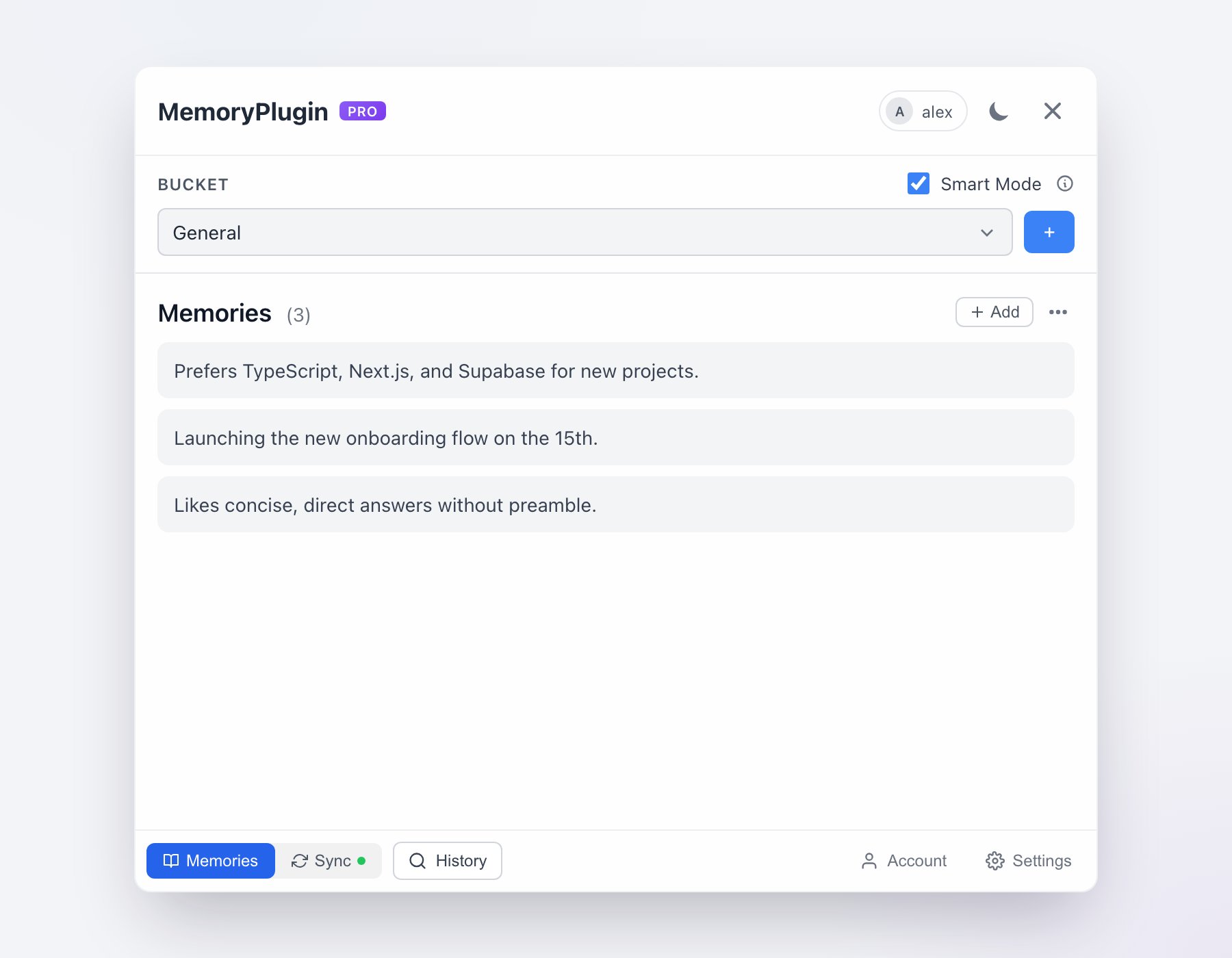
**Best Overall** - Rich UI & features
Perfect if you:
* Want the best user experience
* Use multiple AI platforms
* Want to visually switch between memory buckets
**Most Compatible** - 100+ MCP tools
Perfect if you:
* Use MCP-compatible clients
* Want broad tool compatibility
* Are comfortable with technical setup
**Hosted MCP** - No local setup needed
Perfect if you:
* Want MCP without installing Node.js
* Use Claude Web, Claude Mobile, or other hosted clients
* Want the simplest MCP setup
**TypingMind Native** - Built for TypingMind
Perfect if you:
* Use TypingMind as your AI interface
* Want native plugin integration
* Manage multiple AI models
## Detailed Comparison
### Custom GPT
**[Start Using →](/integrations/custom-gpt)**
* Instant setup - just click the link
* No installation required
* Works on mobile ChatGPT app
* Always up-to-date
* ChatGPT only
* Limited customization
### Browser Extension
**[Install Extension →](/integrations/browser-extension)**
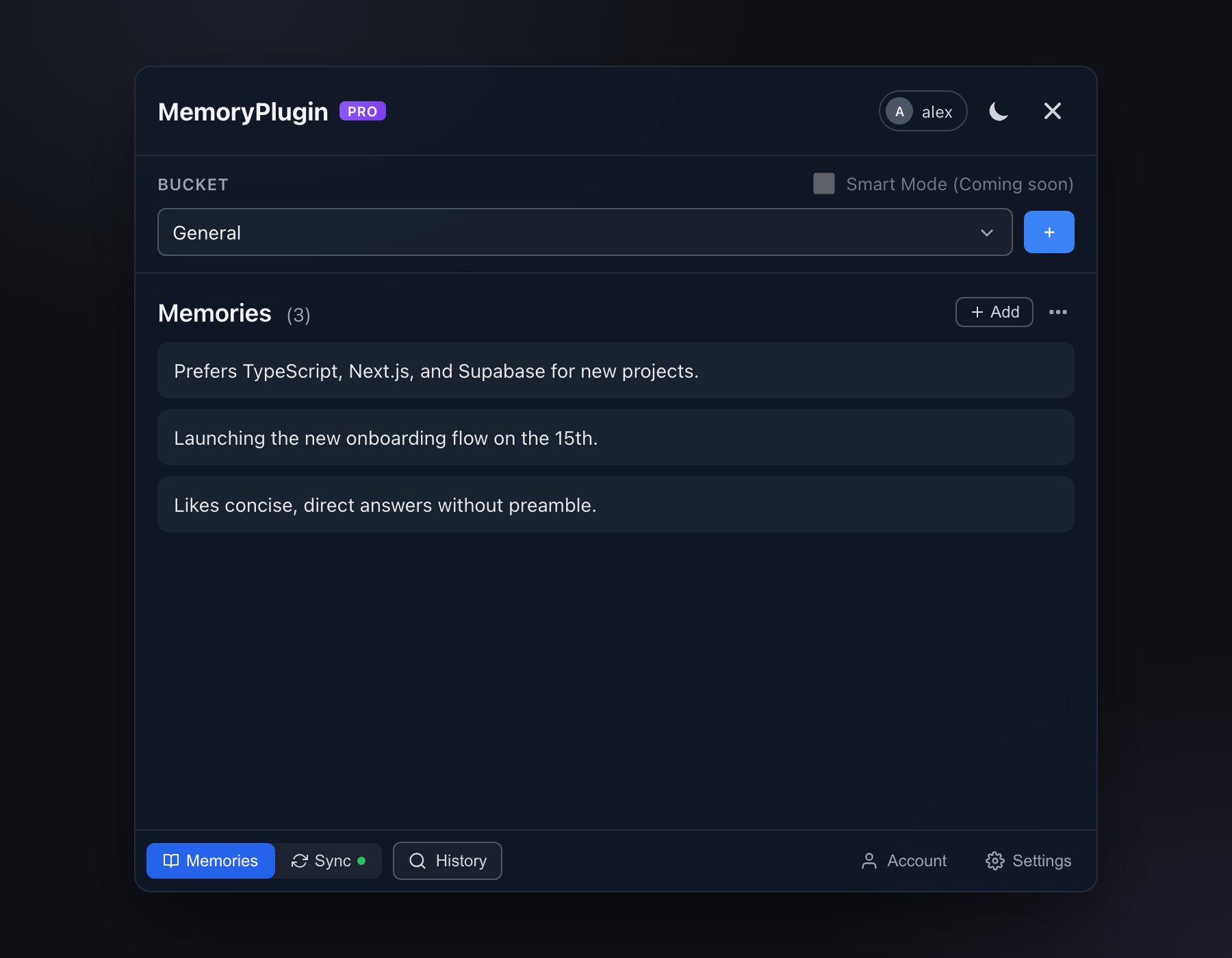
* Rich visual interface with bucket switching
* Works with 21+ AI platforms
* Best user experience with full UI
* Works on desktop and mobile (iOS Safari, [Quetta Browser](https://play.google.com/store/apps/details?id=net.quetta.browser))
* Chat history sync for ChatGPT, Claude, Gemini, Grok, DeepSeek, and TypingMind
* Quick inject button for easy activation
* Requires clicking to activate in each chat
* UI optimized for desktop (but works on mobile)
* Needs browser permissions
### MCP Server
**[Setup MCP →](/integrations/mcp-server)**
* Works with 100+ MCP-compatible tools
* Broad ecosystem compatibility
* Standard protocol implementation
* Once configured, runs without further clicks
* No visual UI
* Requires technical setup
* Needs custom instructions
* MCP client required
### API Integration
**[View API Docs →](/integrations/api-integration)**
* Complete control and customization
* Build your own integrations
* Use in any application
* Programmatic access
* Requires programming knowledge
* Development time needed
* Maintenance required
## Which Should You Choose?
Start with the **[Custom GPT](/integrations/custom-gpt)** if you use ChatGPT, or the **[Browser Extension](/integrations/browser-extension)** for other platforms. These are the easiest to set up and use.
The **[Browser Extension](/integrations/browser-extension)** is your best choice. It works with ChatGPT, Claude, Gemini, and many others from a single installation.
Set up the **[MCP Server](/integrations/mcp-server)** if you're already using Claude Desktop, Cline, Continue, or any of the 100+ MCP-compatible clients.
Yes, and on Claude it is the recommended setup: the **remote MCP server** lets Claude call your memory tools itself, and the **browser extension** keeps your chats syncing into chat history. The integrations share one memory, so mixing them never creates duplicates. Remember that ongoing chat history sync always needs the extension, whichever integration you read memories through.
Check out our **[API Integration](/integrations/api-integration)** to build custom implementations for your specific needs.
## Getting Help
Need assistance choosing or setting up an integration?
* Check specific integration guides for detailed instructions
* Visit our [Feedback Portal](https://feedback.memoryplugin.com) to request features
* Contact [support@memoryplugin.com](mailto:support@memoryplugin.com) for help
You can use multiple integration methods simultaneously. For example, use the MCP Server with Claude Desktop and the Browser Extension for other platforms.
 : author?.[0]?.toUpperCase()}