{authorAvatar ?  : author?.[0]?.toUpperCase()}
Written by {author}
Last updated {formatDate(lastUpdated)}
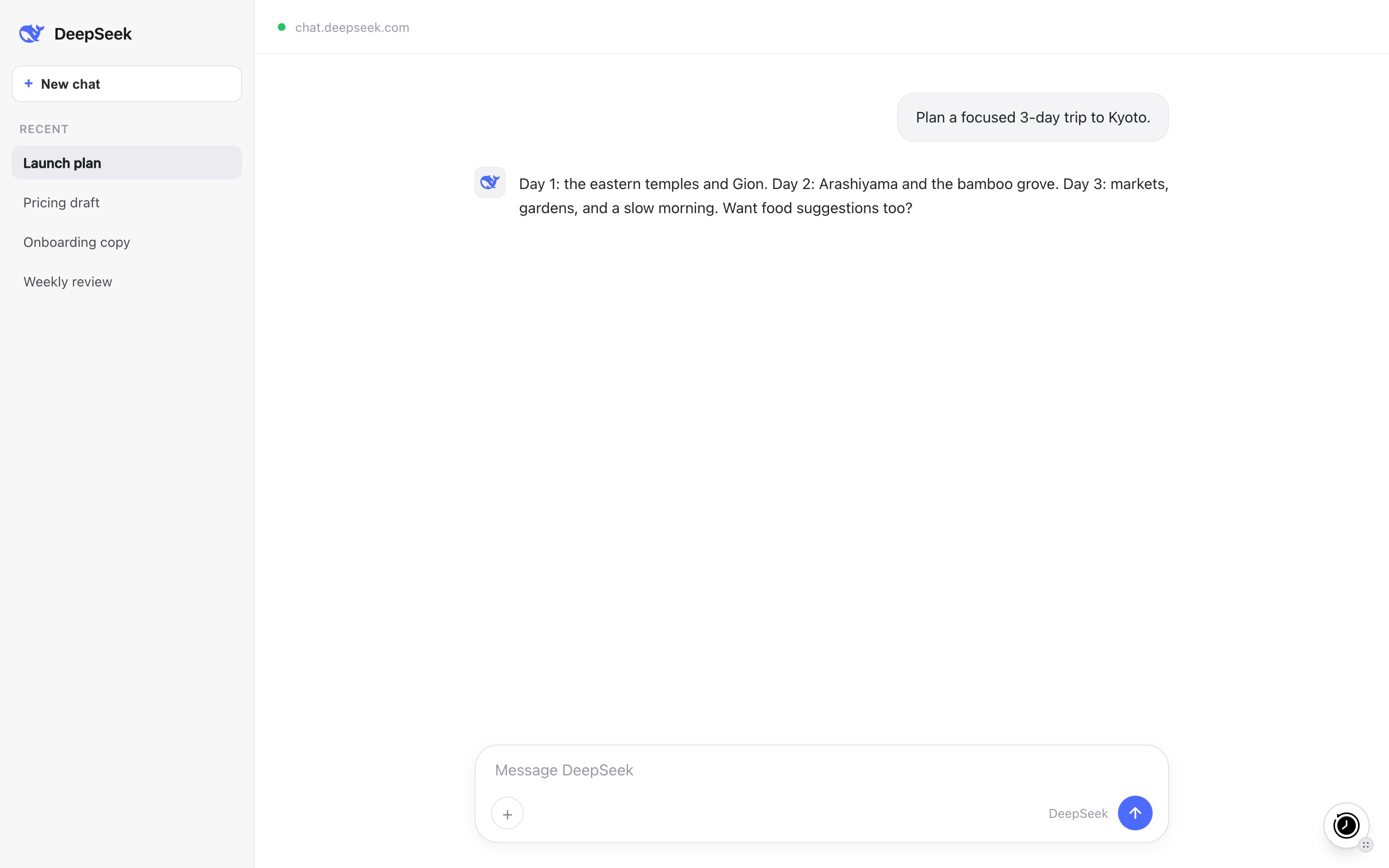
 DeepSeek is the assistant at [chat.deepseek.com](https://chat.deepseek.com). MemoryPlugin gives it long-term memory that carries across your other AI tools, and can sync your DeepSeek chat history for search and recall.
## Set up
DeepSeek is the assistant at [chat.deepseek.com](https://chat.deepseek.com). MemoryPlugin gives it long-term memory that carries across your other AI tools, and can sync your DeepSeek chat history for search and recall.
## Set up
 ## What works here
* **Memory recall and save.** Injected memories give DeepSeek context; new memories are saved back as you talk.
* **Chat history sync.** DeepSeek is one of the six platforms the extension can sync directly. New conversations are captured for search and recall across your tools. You can also upload a DeepSeek export file instead.
* **Extract memory pill.** Select text in a chat and click **Extract memory** to save that snippet.
## Limitations
* The extension does not inject on its own by default. You click the button to activate a chat, or turn on **Automatically add memories in new conversations** in the extension settings.
## Next steps
## What works here
* **Memory recall and save.** Injected memories give DeepSeek context; new memories are saved back as you talk.
* **Chat history sync.** DeepSeek is one of the six platforms the extension can sync directly. New conversations are captured for search and recall across your tools. You can also upload a DeepSeek export file instead.
* **Extract memory pill.** Select text in a chat and click **Extract memory** to save that snippet.
## Limitations
* The extension does not inject on its own by default. You click the button to activate a chat, or turn on **Automatically add memories in new conversations** in the extension settings.
## Next steps