> ## Documentation Index
> Fetch the complete documentation index at: https://help.memoryplugin.com/llms.txt
> Use this file to discover all available pages before exploring further.

# Gemini

> Using MemoryPlugin with Google Gemini

export const ArticleInfo = ({author, lastUpdated}) => {
  const authorAvatar = author === 'asad' ? '/images/author-asad.jpeg' : null;
  const formatDate = dateInput => {
    if (!dateInput) return '';
    if (typeof dateInput === 'string' && !dateInput.match(/^\d{4}-\d{2}-\d{2}/)) {
      return dateInput;
    }
    try {
      const date = new Date(dateInput);
      const now = new Date();
      const diffTime = Math.abs(now - date);
      const diffDays = Math.floor(diffTime / (1000 * 60 * 60 * 24));
      if (diffDays === 0) return 'today';
      if (diffDays === 1) return '1 day ago';
      if (diffDays < 7) return `${diffDays} days ago`;
      if (diffDays < 30) return `${Math.ceil(diffDays / 7)} week${Math.ceil(diffDays / 7) > 1 ? 's' : ''} ago`;
      if (diffDays < 365) return `${Math.ceil(diffDays / 30)} month${Math.ceil(diffDays / 30) > 1 ? 's' : ''} ago`;
      return `${Math.ceil(diffDays / 365)} year${Math.ceil(diffDays / 365) > 1 ? 's' : ''} ago`;
    } catch {
      return dateInput;
    }
  };
  return <div style={{
    display: "flex",
    alignItems: "center",
    gap: "8px",
    marginBottom: "16px",
    padding: "8px 12px",
    backgroundColor: "var(--ifm-color-emphasis-100)",
    borderRadius: "6px",
    fontSize: "14px",
    color: "var(--ifm-color-content-secondary)",
    border: "1px solid var(--ifm-color-emphasis-200)",
    opacity: "0.8"
  }}>
      <div style={{
    width: "40px",
    height: "40px",
    borderRadius: "50%",
    background: authorAvatar || "linear-gradient(45deg, #4F46E5, #7C3AED)",
    display: "flex",
    alignItems: "center",
    justifyContent: "center",
    color: "white",
    fontWeight: "bold",
    fontSize: "18px"
  }}>
        {authorAvatar ? <img src={authorAvatar} alt={author} style={{
    width: "100%",
    height: "100%",
    borderRadius: "50%"
  }} /> : author?.[0]?.toUpperCase()}
      </div>
      <div>
        <div style={{
    fontWeight: "400",
    fontSize: "14px"
  }}>Written by <span style={{
    fontWeight: "600"
  }}>{author}</span></div>
        <div style={{
    fontSize: "14px"
  }}>Last updated <span style={{
    fontWeight: "600"
  }}>{formatDate(lastUpdated)}</span></div>
      </div>
    </div>;
};

<ArticleInfo author="asad" lastUpdated="2026-03-23" />

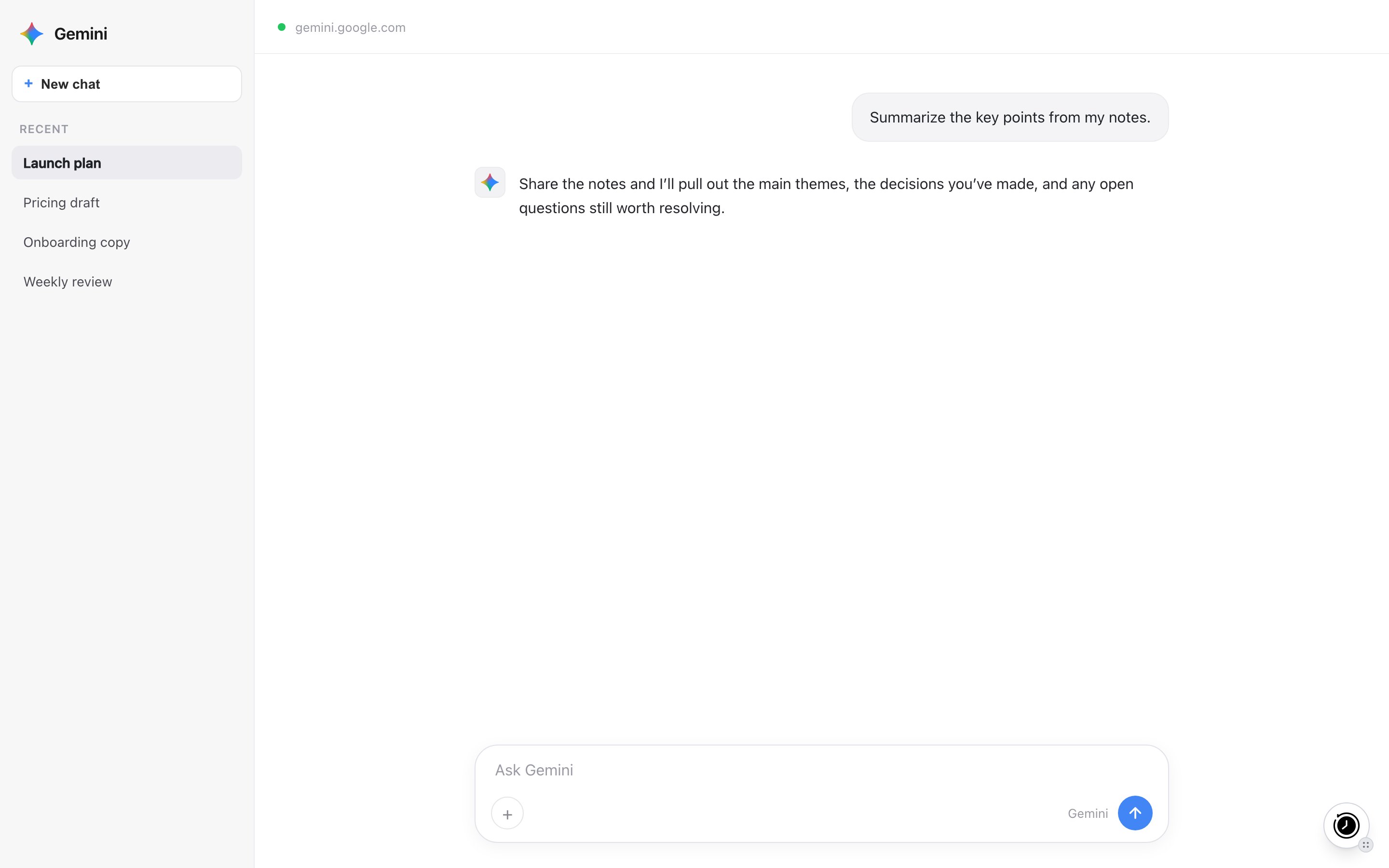
Use MemoryPlugin with Google Gemini at [gemini.google.com](https://gemini.google.com).

## How to Use

### Browser Extension

1. Install the [MemoryPlugin Browser Extension](/integrations/browser-extension)
2. Go to [gemini.google.com](https://gemini.google.com)
3. Click the MemoryPlugin button to inject memories
4. Start chatting with memory context

## Chat History

You can sync your Gemini conversation history into MemoryPlugin using the browser extension's online sync feature. Once synced, your past Gemini conversations become searchable and available as context across all your AI tools.

See the [Chat History](/features/chat-history/introduction) docs for more details.

## Next Steps

<CardGroup cols={2}>
  <Card title="Browser Extension Setup" icon="browser" href="/integrations/browser-extension">
    Quick setup guide
  </Card>

  <Card title="Chat History" icon="clock-rotate-left" href="/features/chat-history/introduction">
    Import and search your conversations
  </Card>
</CardGroup>