
asad
Written by asad
Last updated 4 months ago
MemoryPlugin gives your AI persistent memory, searchable chat history, and document access—across every platform you use.

What MemoryPlugin Does

AI tools like ChatGPT and Claude forget everything between conversations. MemoryPlugin fixes that by storing what matters and making it available whenever you need it.

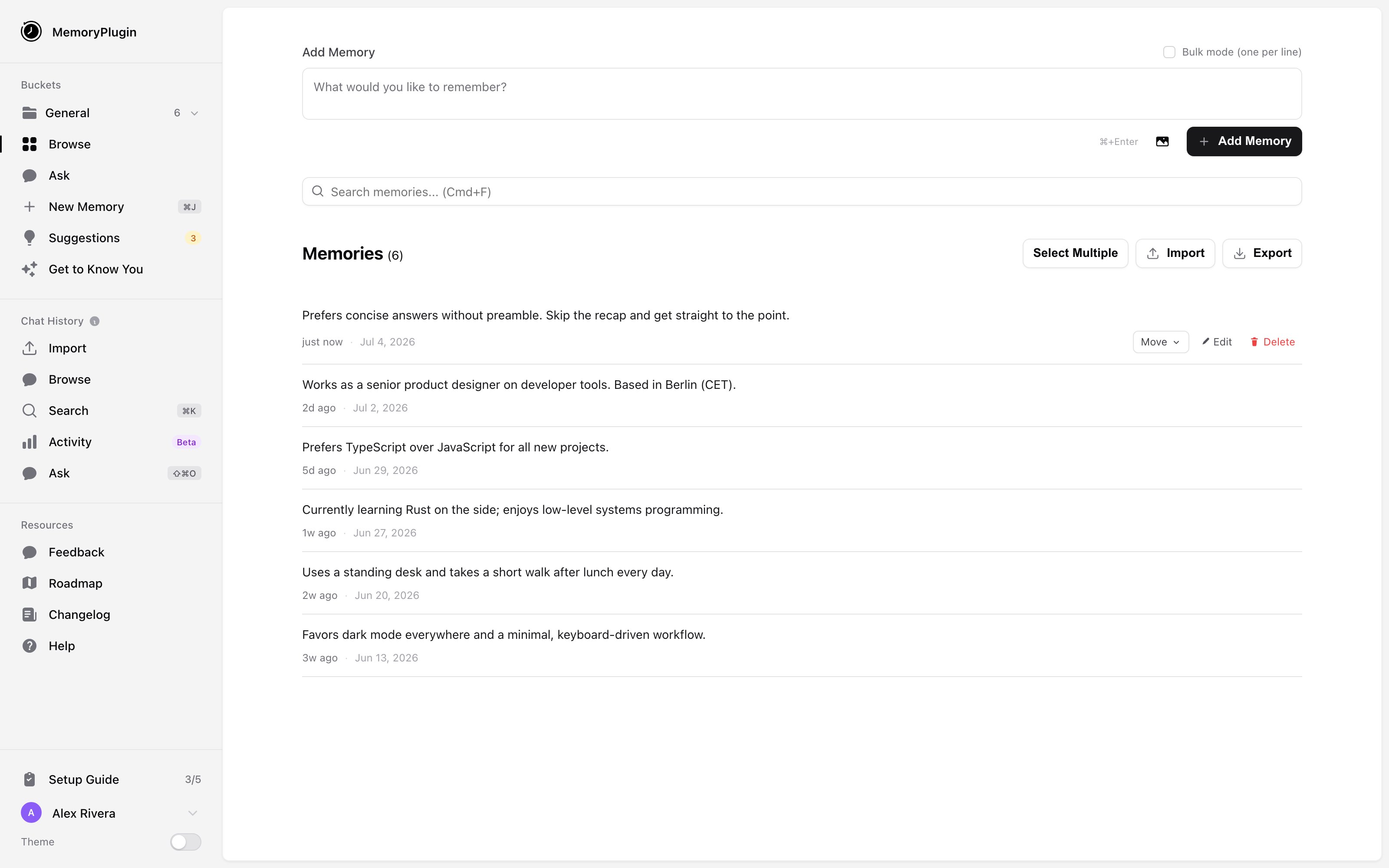
Memories

Save facts, preferences, and context that your AI can recall in any conversation

Chat History

Search and query your past AI conversations from ChatGPT, Claude, and TypingMind

Files

Upload documents and query them alongside your memories

Core Features

Ask

Query your memories, chat history, and files from one unified interface

Smart Memory

AI-powered organization that categorizes memories and saves tokens

Cross-Platform

Works with 15+ AI platforms including ChatGPT, Claude, Gemini, and more

Multiple Integrations

Browser extension, MCP server, TypingMind plugin, Custom GPT, and API

Quick Start

1

Create Your Account

Sign up at memoryplugin.com to get your dashboard and API access.
2

Choose Your Integration

Pick how you want to connect MemoryPlugin to your AI tools:
3

Start Building Memory

Your AI will automatically save important information, or you can explicitly ask it to remember things. Import your existing ChatGPT memories or sync your chat history for instant context.

How It Works

MemoryPlugin acts as a persistent layer between you and your AI assistants:
  1. Save — Important information is stored as you chat, either automatically or when you ask
  2. Organize — Memories go into buckets you control, with optional AI categorization
  3. Recall — In any new conversation, relevant context is retrieved and provided to your AI
  4. Search — Query your memories, past conversations, and documents anytime
The result: Your AI knows your preferences, remembers your projects, and has the context it needs—every time.

What’s New

MemoryPlugin 2.0 brings a redesigned dashboard, the unified Ask tool, file buckets, keyboard shortcuts, and much more.

See What's New

Check the changelog for the latest features and improvements

Get Started

Quick Setup Guide

Get up and running in minutes

Browse Integrations

Find the right integration for your workflow