

Ask is a single interface with three modes. It is not the same as the Ask entry inside the Chat History section, which only ever searches your imported chats. This page covers the unified Ask tool, which can switch between chat history, memories, and files in one place. Open it from the sidebar or press ⇧⌘O / Shift+Ctrl+O.
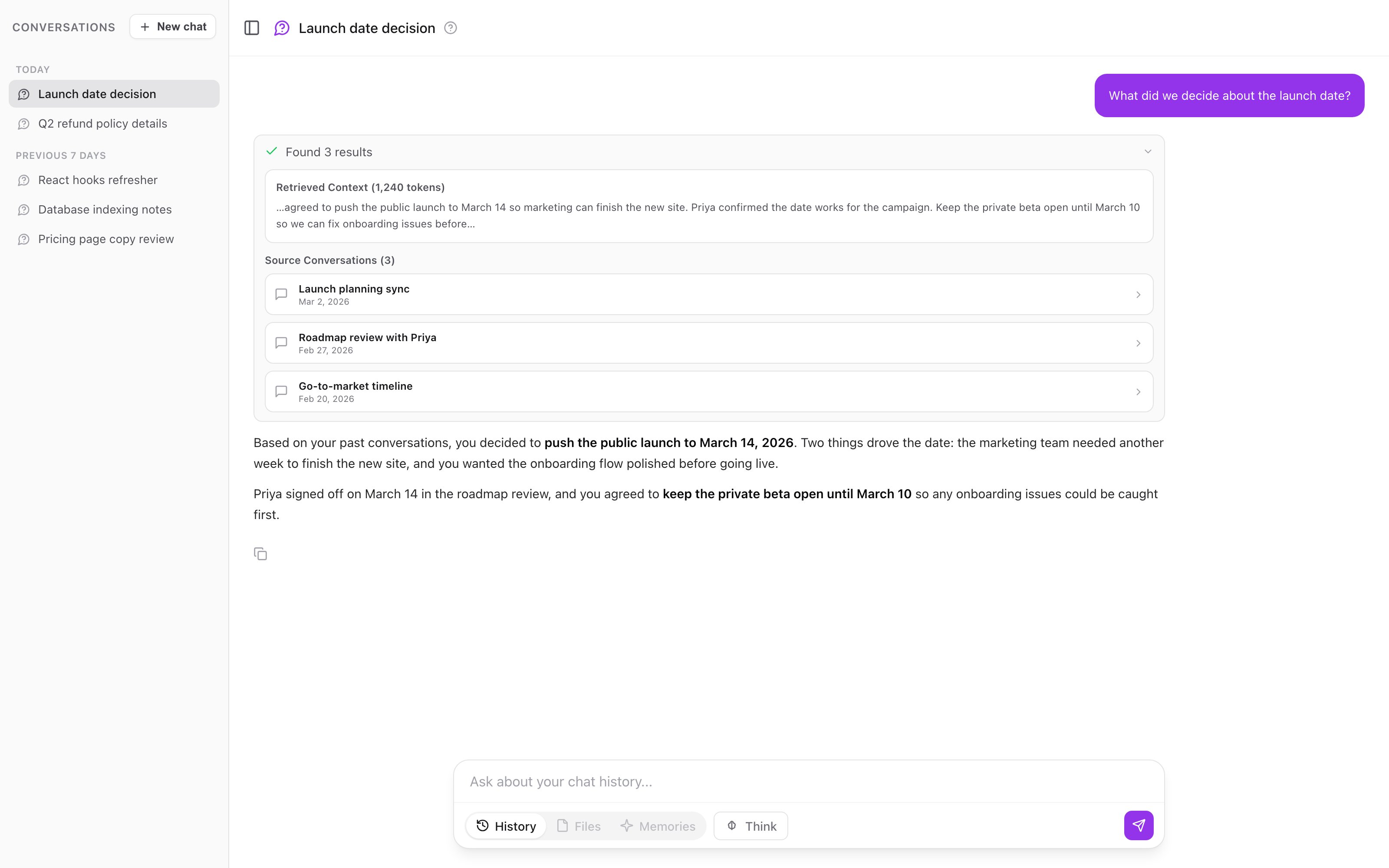
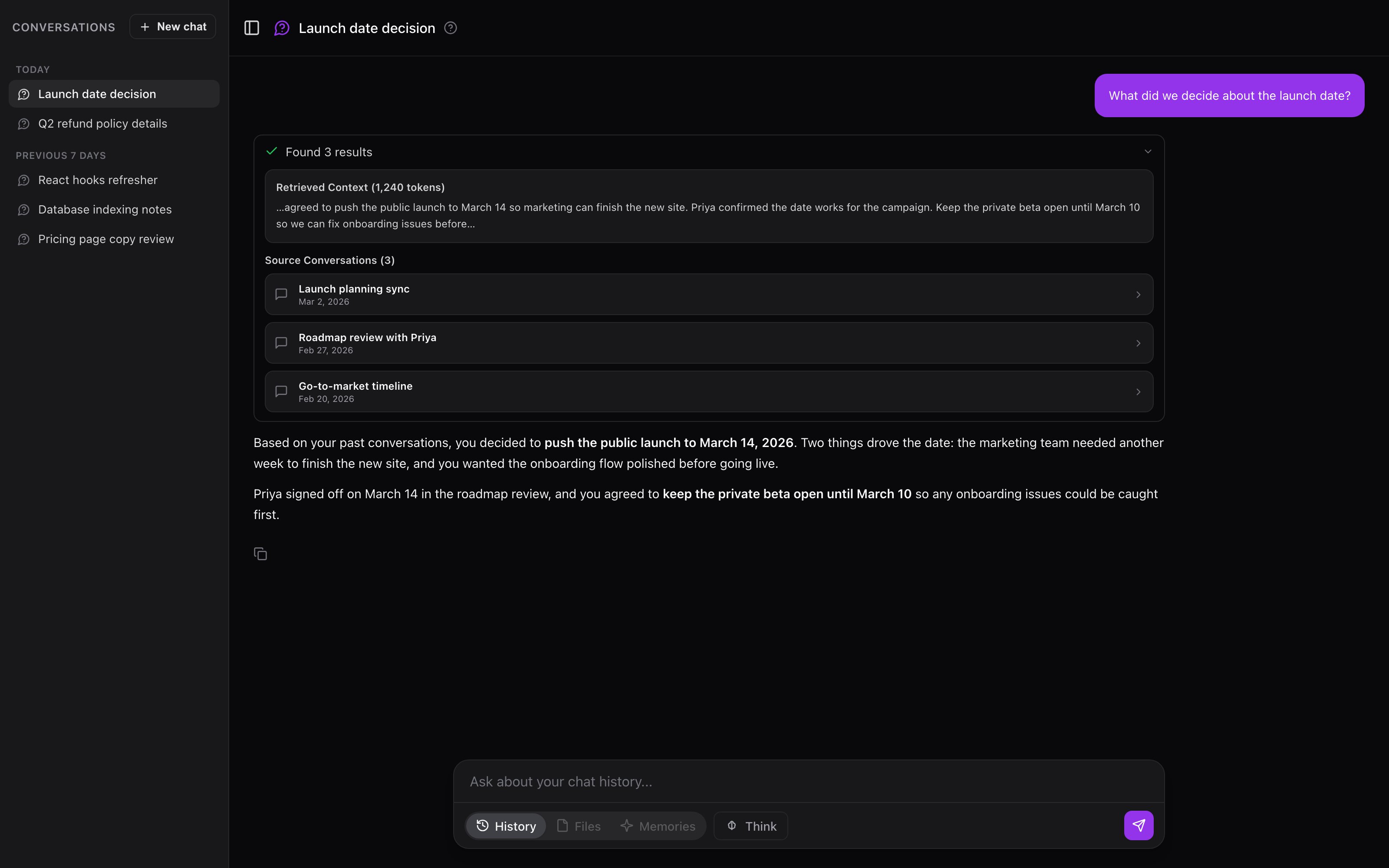
Ask in history mode: a question answered from your past conversations, with clickable source chips.
The three modes
A pill toggle at the bottom of the composer switches Ask between three sources:
The pills read History, Files, and Memories. Once a conversation has messages, its mode locks. To search a different source, start a new conversation.
Using Ask
1
Open Ask
Click Ask in the sidebar, or press ⇧⌘O (Mac) / Shift+Ctrl+O (Windows/Linux).
2
Pick a mode
Choose History, Files, or Memories from the pill toggle.
3
Narrow to a bucket (Files and Memories only)
In Files and Memories mode a dropdown lets you scope the search. Leave it on All files or All memories to search everything, or pick one bucket for focused results.
4
Ask a question
Type a plain-language question, or click one of the example chips under Try asking:. Press Enter to send.
5
Read the answer and check the sources
The answer streams in. Every answer cites the chats, memories, or files it drew from. Click a source to open the original.
Which mode to pick
- History when the answer lives in a past conversation: a decision you talked through, advice you got, a thread you half-remember.
- Files when the answer is in a document you uploaded: a spec, a paper, a contract.
- Memories when you saved the fact yourself: a preference, a goal, a note.
Conversations are saved
Ask keeps each conversation in a sidebar and auto-generates a title after your first exchange, so you can return to a line of questioning instead of starting over. If the bucket or file collection behind a saved conversation is later deleted, the conversation becomes read-only: you can still read it, but you cannot send new messages.How it works
Ask reads your question, retrieves the passages that match it, and writes an answer grounded in those passages.- History mode runs semantic search over your conversation archive and synthesizes an answer from the matching segments, with citations back to each chat.
- Files mode searches the chunks your uploaded documents were split into and answers from the matching passages, including file name and page or section.
- Memories mode loads context from the selected bucket. For buckets using Smart Memory, it loads category summaries and pulls specific categories as needed. For other buckets, it loads recent memories and searches for anything else the question needs.
Also available outside the dashboard
The same underlying queries are exposed to your AI tools:- MCP: the
recall_chat_historyandsearch_uploaded_filestools query your chat history and files from any MCP client. See MCP server and Remote MCP server. - TypingMind: the plugin’s
recall_chat_historyandsearch_uploaded_filesfunctions do the same inside TypingMind. See TypingMind plugin.
Getting better answers
Be specific
Be specific
“What did I decide about the API migration timeline?” beats “what do I know about work”. A narrow question retrieves narrower, more relevant sources.
Match the mode to where the answer lives
Match the mode to where the answer lives
History for past conversations, Files for uploaded documents, Memories for facts you saved. The wrong mode searches the wrong place.
Open the sources
Open the sources
Ask synthesizes; the originals hold the full detail. Click through before you rely on an answer.
Start a new conversation for a new topic
Start a new conversation for a new topic
Each conversation carries its own context. Unrelated questions in the same thread can pull in stale context.
Requirements
Ask needs a paid plan (Core or Pro, including the trial). Beyond that, each mode needs data to search:- History needs imported or synced conversations.
- Files needs documents in a file bucket.
- Memories works as soon as you have saved memories.
Chat History imports are plan-limited: Core covers up to 500 conversations from one platform (Claude or ChatGPT), and Pro is unlimited across all supported platforms. This limit shapes what History mode can search.
Next steps
File Buckets
Upload documents so Files mode has something to search
Chat History
Import and sync conversations for History mode