

The three kinds of suggestion
Every suggestion falls into one of three operations, and each card gives you a plain accept-or-reject choice:Remove
Duplicate or redundant memories it recommends deleting. Accept with Remove, reject with Keep.
Combine into one
Related memories that read better merged into a single cleaner entry. Accept with Combine, reject with Keep separate.
Update this memory
A memory rewritten to be clearer or more current. Accept with Save update, reject with Keep original.
Running it
1
Open Suggestions
Select the bucket you want to clean up, then click Suggestions in the memory list header, next to Select Multiple. (The button is hidden on buckets that were shared with you.)
2
Find suggestions
Click Find suggestions. MemoryPlugin analyzes the bucket (“Looking through your memories…”), which usually takes a minute or two.
3
Review each card
Suggestions appear as cards. Go through them one at a time, accepting or rejecting each.
4
Check for new later
Once you’ve handled the current batch, use Check for new to scan memories not already covered by existing suggestions.


Nothing is written until you approve it: the AI proposes, you decide.
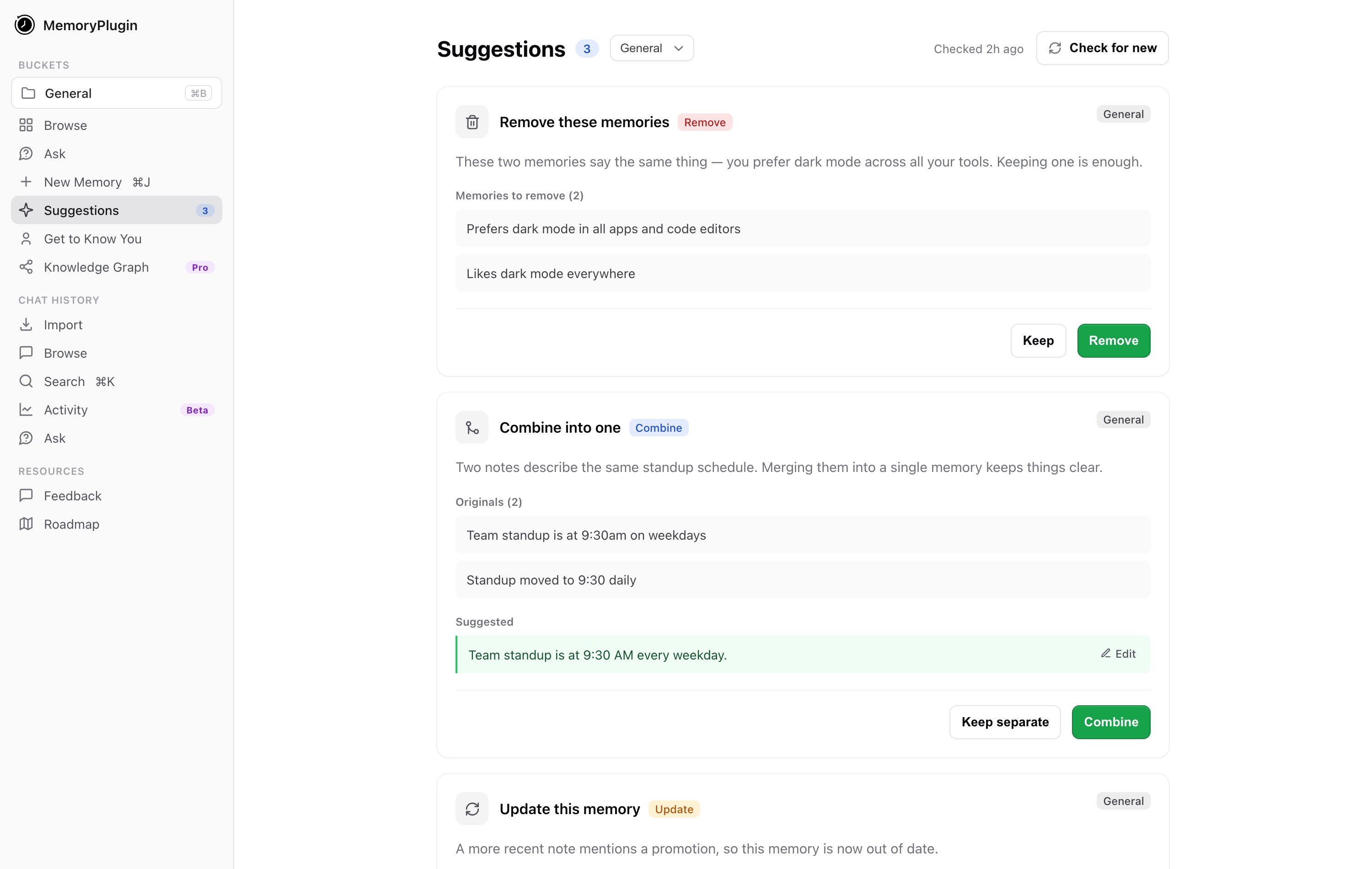
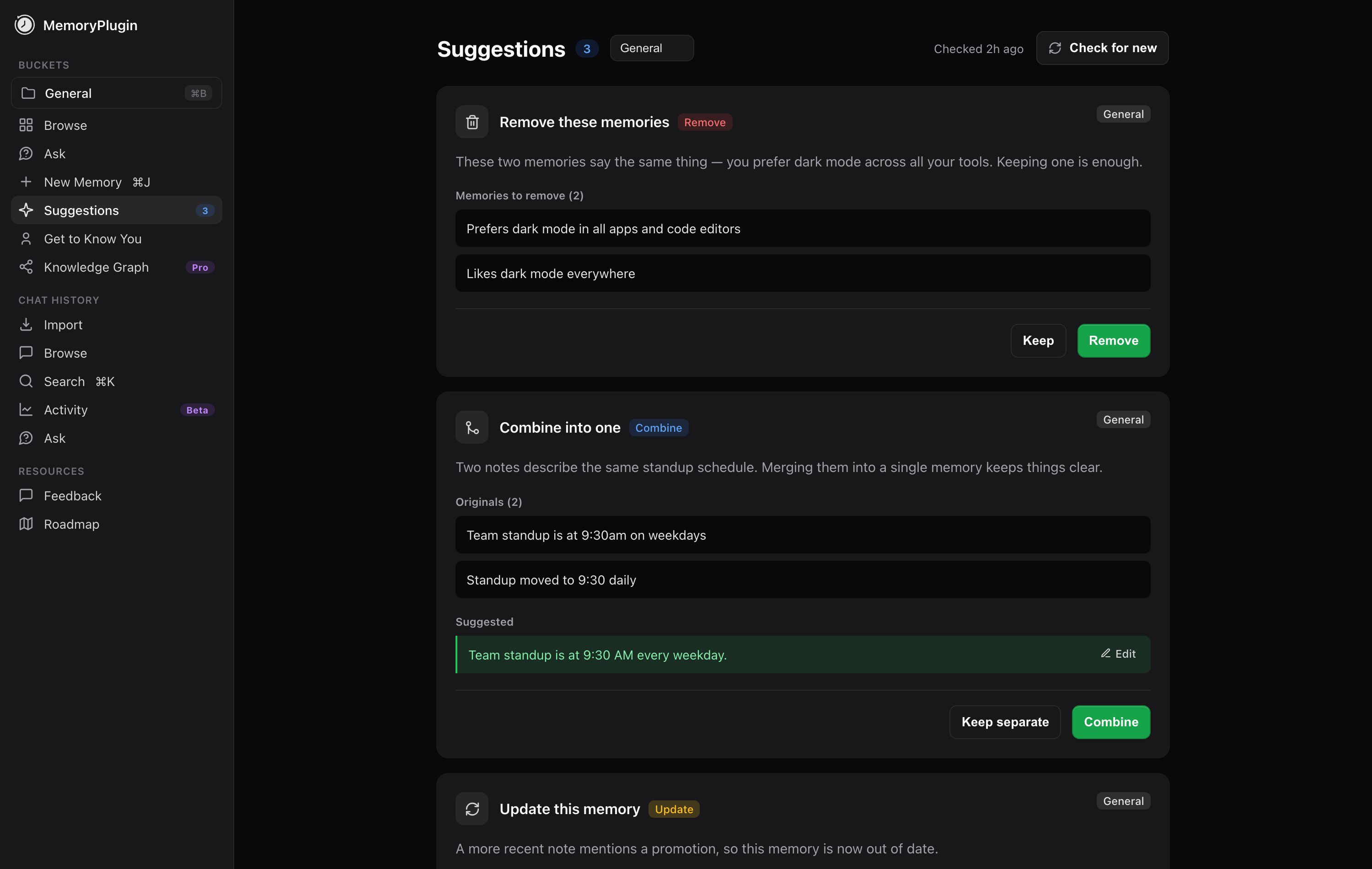
The Suggestions page with one card of each type: remove a duplicate, combine two, and update an outdated memory.
The pending badge
You don’t have to remember to visit the page. When the bucket you have open has suggestions waiting, the Suggestions button in the memory list header shows an amber count badge. That number is your pile of pending cleanups for that bucket. When it’s gone, you’re caught up.What it skips
Memory Suggestions is built for the short, factual memories that make up most of a bucket. It skips any memory over 10,000 tokens. Very large memories are unlikely to be duplicates of anything and are expensive to compare, so the analysis leaves them alone rather than burning time on them. Everything under that limit is fair game.Next steps
Smart Memory
Group a bucket into categories for token-efficient recall
Bulk Operations
Select, move, and delete memories in batches yourself